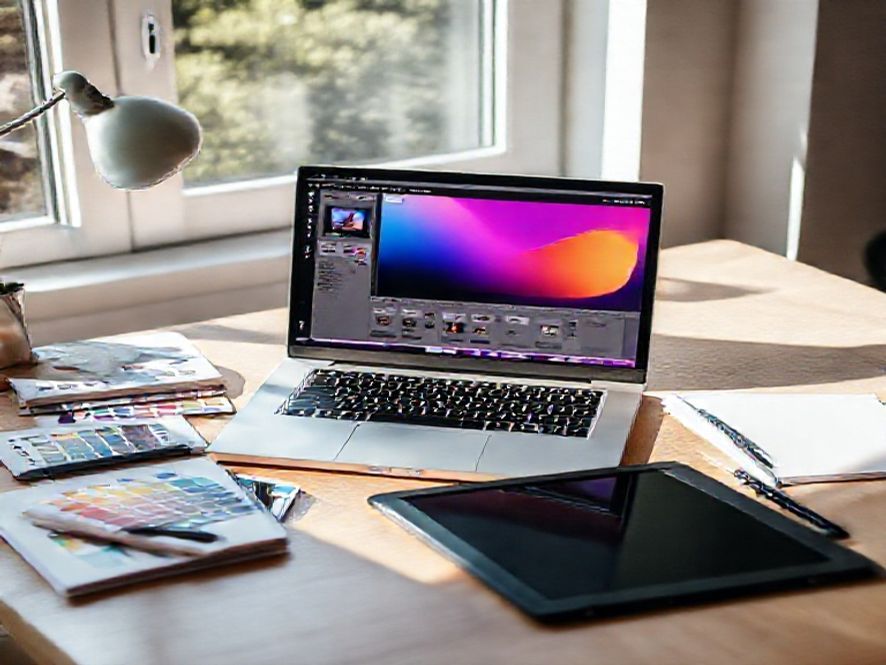
In the fast-paced world of design, having the right tools at your fingertips can make all the difference. Whether you are a graphic designer, web designer, or an aspiring artist, apps for designers are essential for streamlining your workflow and enhancing creativity. In this comprehensive guide, we will explore the best apps available that cater to various design needs, ensuring you have the resources to bring your ideas to life.
Why You Need the Right Apps for Designers
Design is not just about aesthetics; it’s about functionality and efficiency. The right apps for designers can help you:
- Enhance your creativity with innovative tools.
- Streamline your workflow to save time.
- Collaborate effectively with clients and team members.
- Stay organized and manage your projects efficiently.
Top Apps for Designers in 2023
Here’s a curated list of must-have apps for designers that will elevate your creative process:
1. Adobe Creative Cloud
Adobe Creative Cloud is a powerhouse suite that includes Photoshop, Illustrator, InDesign, and more. These tools are essential for graphic designers, providing everything from photo editing to vector graphics creation. With cloud integration, you can access your projects from anywhere, making it easier to collaborate with clients and colleagues.
2. Figma
Figma is a popular choice for UI/UX designers. This web-based app allows for real-time collaboration, making it easy to share designs and gather feedback. Its intuitive interface and powerful prototyping features make it a favorite among design teams.
3. Sketch
Sketch is another excellent tool for web and mobile design. Known for its vector editing capabilities, it allows designers to create high-fidelity prototypes. Its plugin ecosystem enhances functionality, enabling designers to customize their workflow.
4. Canva
For those who may not have extensive design experience, Canva is an accessible option. This user-friendly app provides templates for social media graphics, presentations, and more. It’s perfect for quick projects where professional quality is still desired.
5. Procreate
If you’re an illustrator or digital artist, Procreate is a must-have for your iPad. This app offers a wide range of brushes and tools, allowing you to create stunning artwork on the go. Its intuitive interface makes it easy to use, even for beginners.
Integrating Apps into Your Workflow
To maximize the benefits of these apps for designers, consider the following tips:
- Choose apps that integrate well with each other to streamline your workflow.
- Take advantage of cloud storage to access your work from anywhere.
- Regularly update your skills by exploring new features and tools within the apps.
Best Practices for Using Design Apps
Here are some best practices to keep in mind while using apps for designers:
- Stay organized by categorizing your projects and files.
- Use templates to save time on recurring tasks.
- Regularly back up your work to avoid data loss.
- Engage with online communities for tips and inspiration.
Frequently Asked Questions
What are the best free apps for designers?
Some of the best free apps for designers include Canva, GIMP, and Inkscape. These tools offer robust features without the cost, making them ideal for beginners.
How do I choose the right app for my design needs?
Consider your specific design requirements, budget, and whether you prefer a desktop or mobile app. Reading reviews and trying out free trials can also help you make an informed decision.
Can I use multiple design apps together?
Absolutely! Many designers use a combination of apps for designers to leverage the strengths of each tool, such as using Figma for UI design and Photoshop for image editing.
Are there any apps specifically for web design?
Yes, apps like Adobe XD, Figma, and Sketch are tailored for web design, offering features that cater specifically to creating user interfaces and experiences.
How often should I update my design apps?
It’s advisable to keep your design apps updated to access the latest features, security patches, and performance improvements. Most apps will notify you when updates are available.
In conclusion, the right apps for designers can significantly enhance your creative process, making it easier to bring your visions to life. By exploring the tools mentioned above and integrating them into your workflow, you can elevate your design projects to new heights. Don’t hesitate to experiment with different apps and find the combination that works best for you. Happy designing!

The Apps Zone is your go-to resource for discovering the best mobile apps across all categories. We provide expert reviews, tips, and recommendations to help you make the most of your smartphone or tablet. Whether you’re looking for productivity tools, entertainment options, or learning resources, we’ve got you covered!