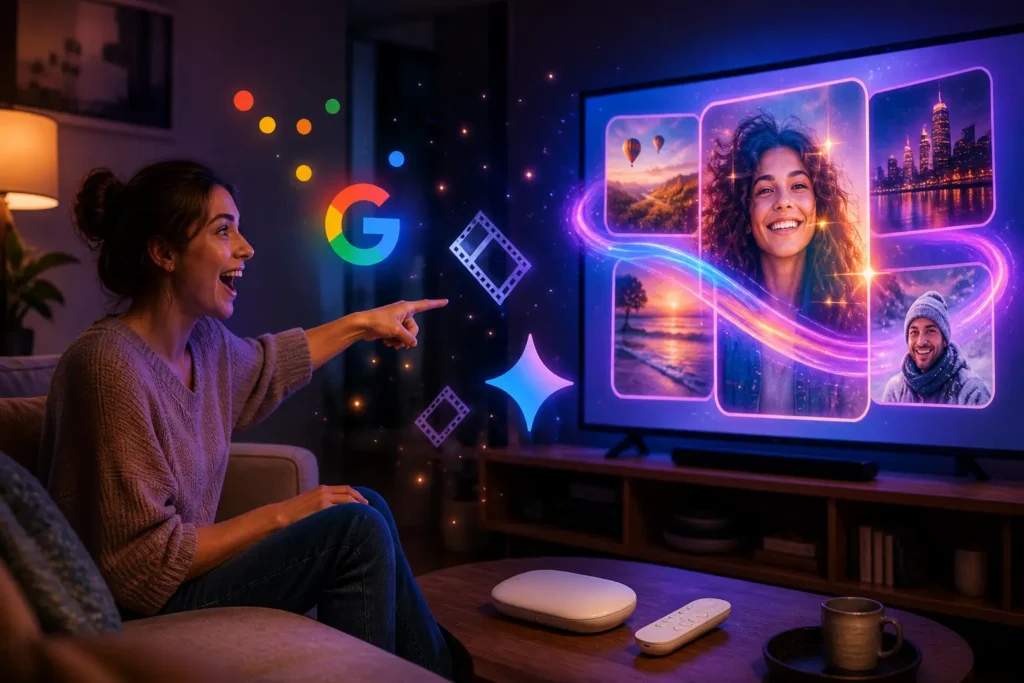
Picture this: you’re sitting on the couch, scrolling through your Google TV home screen, and instead of just picking something to watch — your TV starts understanding you. It helps you search, transform your own photos and videos, and pulls off things that used to require a full-on editing suite. Sounds futuristic? It’s happening right now.
The Gemini features Google TV is getting in 2026 are not just a software patch — they represent a genuine shift in how we interact with our living room screens. And if you’ve been keeping an eye on how AI has been reshaping everything from everyday apps to creative workflows, this one deserves your full attention.
The Google TV Gemini Update Everyone Is Talking About
So what exactly is Google rolling out? The Google TV Gemini update brings the same AI muscle that powers Gemini on phones and browsers — straight into your TV experience. And it goes way beyond a smarter search bar.
The headlining additions are two tools called Nano Banana and Veo. Nano Banana handles photo transformation — think of it as an AI filter on steroids, capable of reimagining your personal photos in completely new visual styles right from your TV screen. Veo, on the other hand, is Google’s AI video generation model, and its arrival on Google TV means you can create or transform short video clips using simple prompts. That’s genuinely impressive for a platform that, until recently, was mostly known for being a great Netflix launcher.
Here’s the thing: Google has been quietly building Gemini into every corner of its ecosystem. Google TV is just the latest room it’s moved into — and it’s decorating aggressively.
Nano Banana and Veo: Where It Gets Really Interesting
Let’s talk about what Nano Banana Google TV actually means in practice. You cast a family photo to your TV — something from a birthday party or a weekend trip — and instead of just displaying it, Nano Banana can reimagine it. Watercolour painting style. Cinematic noir. Animated look. The transformation happens on-device, which is a big deal for privacy and speed.
Veo brings a different kind of magic. This is the same technology Google has been developing as part of its generative video push — similar territory to what tools like Runway have been exploring in the creative space. On Google TV, Veo is being positioned as a way to generate short video content or apply dramatic visual transformations to video clips you already own. Imagine turning a clip from your kid’s school play into something that looks like an animated movie. That’s the direction this is heading.
And yes — if you’ve been following how AI image and video generation has exploded lately, you already know how significant it is to have that capability embedded in a consumer TV platform. Most people won’t go to Midjourney or open a separate app. But if it’s right there on their TV? That changes the adoption curve entirely.
How to Use Gemini AI on Google TV (and What to Expect)
If you’re wondering how to use Gemini AI on Google TV, the short answer right now is: it depends on your device and region. Google is rolling these features out gradually, so not every Google TV will wake up tomorrow with a full Gemini suite unlocked.
That said, the experience is designed to feel natural — not like opening a separate AI app. Gemini on Google TV integrates with the existing voice assistant infrastructure, so you interact with it the same way you’d ask your TV to find a movie. You speak, Gemini listens, and the response shows up on-screen. For photo and video transformations, you’ll navigate through a dedicated section in the Google TV interface.
A few things worth keeping in mind as this rolls out:
- Nano Banana and Veo features are being introduced in phases — early access may be limited to newer Google TV hardware first.
- Some transformations run on-device via Gemini Nano (the lightweight model built for edge hardware), while more intensive tasks may require a cloud connection.
- The feature set is expected to expand through 2026 as Google continues its Gemini push across all platforms.
If your device supports it, keep your Google TV software updated. That’s genuinely the only thing standing between you and access right now.
Why These Google TV AI Features Matter More Than You Think
Let’s be honest — most people don’t think of their TV as an AI device. It’s where you watch things. It’s passive by design. That’s exactly why what Google is doing here is so disruptive.
By embedding Google TV AI features directly into the platform, Google is making a bet that the living room screen becomes an active creative surface — not just a consumption device. And when you consider how much time people spend in front of their TVs, that’s a massive surface area for AI to work with.
This also fits into a much bigger pattern. We’ve seen AI reshape how people create music, how designers work, how teachers plan lessons. The common thread? AI meeting people where they already are — not asking them to go somewhere new. Google TV is doing exactly that.
And think about what this means for the living room as a shared space. Photo slideshows at family gatherings that get reimagined in real time. A video clip from a holiday trip that gets the cinematic treatment before you’ve even finished watching it back. These aren’t far-fetched scenarios anymore — they’re the actual product roadmap.
It’s also worth noting that Google isn’t the only one fighting for the smart TV AI space. Samsung has been pushing its own AI TV features aggressively, and competition in this space is only going to heat up. Google’s advantage? Gemini is already one of the most capable AI models available, and the integration with the broader Google ecosystem — YouTube, Google Photos, Google Home — gives it a natural edge that competitors will struggle to replicate quickly.
If you’re already deep into the Google ecosystem and have a Google Home setup at home, these new Gemini features slot right into the smart home experience you’ve already built. Your TV becomes one more intelligent node in that network — and that’s a compelling reason to pay attention.
Speaking of the broader AI landscape, if you haven’t explored what tools like AI image generators or AI productivity apps can already do for you on mobile and desktop — that context makes what’s coming to Google TV feel even more exciting. This is the same wave, crashing into your living room.
What Comes Next for Gemini on Your Screen
Google has made it clear this is just the beginning. The new Gemini features coming to Google TV in 2026 are part of a longer roadmap — and if the mobile Gemini rollout is anything to go by, the pace of updates will be fast.
Expect deeper integration with Google Photos, more creative transformation styles via Nano Banana, and potentially Gemini-powered content recommendations that go beyond what you’ve watched before — predicting what you’re in the mood for based on time of day, viewing patterns, and even who’s in the room. That last part is still speculative, but it’s well within the technical scope of what Gemini can do.
One thing I’ll say from an editorial perspective: the real test isn’t whether these features are technically impressive — they clearly are. The test is whether they feel useful and unobtrusive in the actual living room experience. Nobody wants their TV to feel like it’s trying too hard. Google’s challenge is making Gemini feel like a natural co-pilot, not a showoff. Based on what we’ve seen so far, they’re heading in the right direction.
If you want to stay on top of how AI is reshaping every screen in your life, this is absolutely a space worth watching. And if you’ve got a Google TV at home — check for that update. It might already be waiting for you.
Source: Google
Curtiu o conteúdo?
Faz parte da nossa comunidade! 💜
Não perde nenhuma novidade de tecnologia, IA e gadgets. Entra no grupo e se inscreve no canal!

The Apps Zone is your go-to resource for discovering the best mobile apps across all categories. We provide expert reviews, tips, and recommendations to help you make the most of your smartphone or tablet. Whether you’re looking for productivity tools, entertainment options, or learning resources, we’ve got you covered!