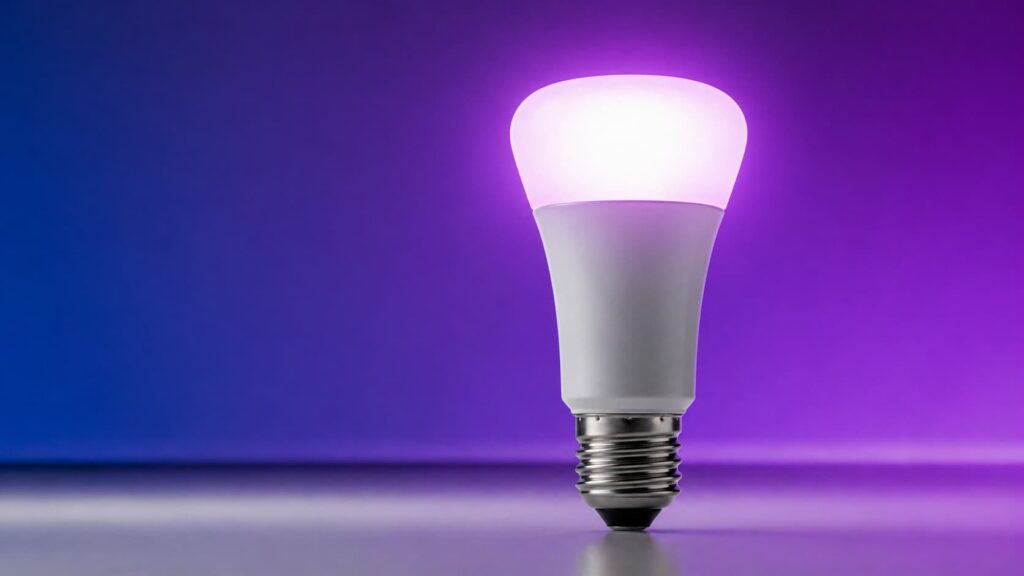
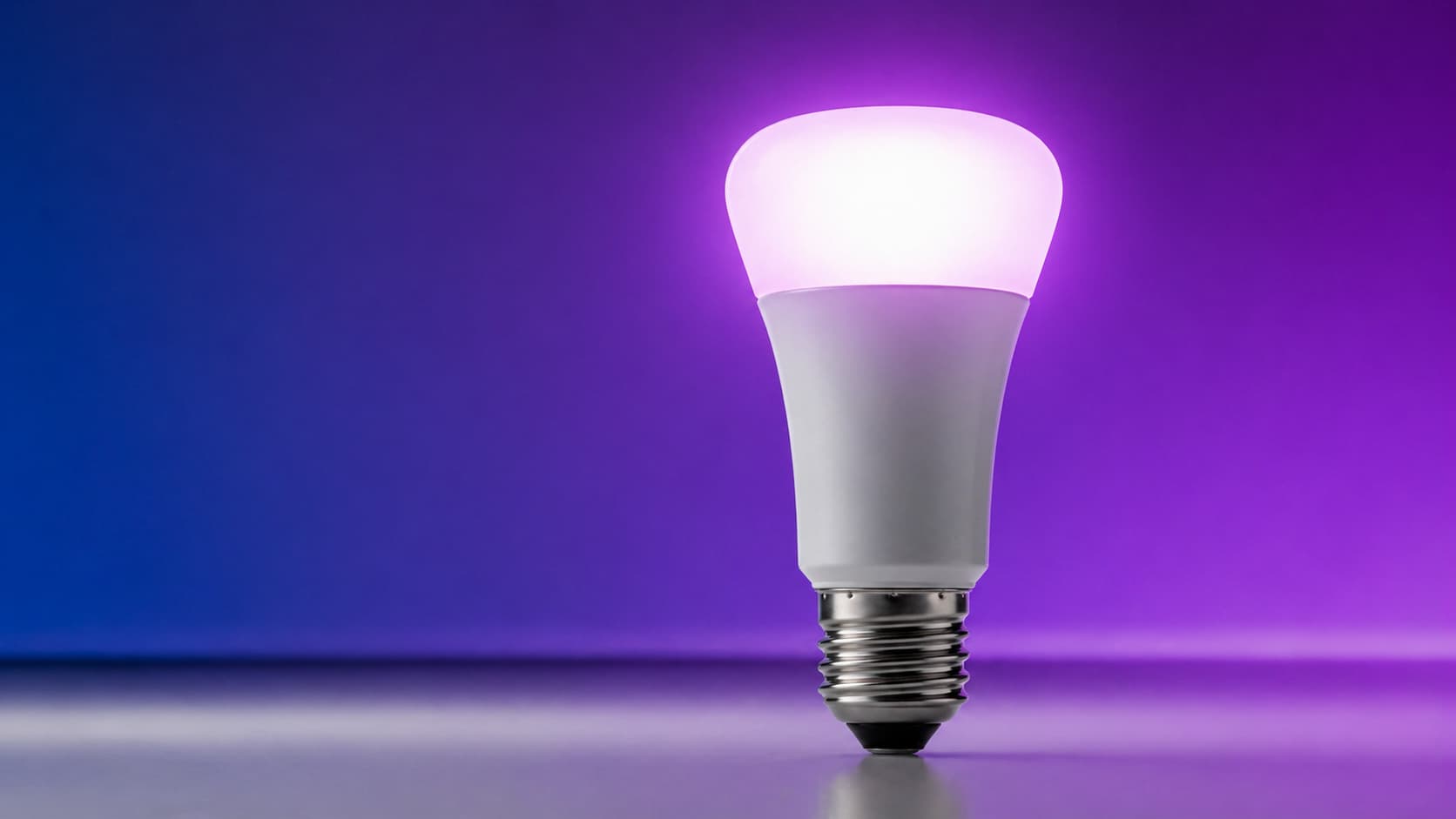
You know that moment when you walk into a hotel room and the lighting just feels right? Warm, layered, somehow perfectly balanced — and you can’t quite explain why it works so well. That’s not magic. That’s intentional spatial lighting design. And now, Philips Hue wants to bring that exact feeling into your living room.
The Philips Hue SpatialAware feature has officially rolled out, and after months of anticipation since it was first teased, it’s finally available for Hue users to experience. If you’ve ever felt like your smart lights were technically impressive but somehow still a bit… flat — this update is the answer you didn’t know you were waiting for.
What Is SpatialAware and Why It’s a Big Deal
Here’s the thing: most smart lighting systems treat every bulb as an individual unit. You set a scene, the bulbs change colour and brightness, done. But rooms aren’t flat, and light doesn’t behave the same way in a corner as it does in the centre of a space.
SpatialAware changes that logic entirely. Instead of treating your lights as separate objects, it reads the position of each light within your room and adjusts how they work together — creating a sense of depth, dimension and atmosphere that feels genuinely more natural. Philips Hue describes it as “more natural and immersive”, and for once, that’s not just marketing language.
Think about it this way: imagine you’re settling in for a movie night. Instead of every bulb dimming to the same warm glow, SpatialAware considers which lights are behind you, which ones frame the TV, and which ones are near the ceiling — and balances them to create something that actually feels like an environment, not just a lighting preset.
How to Enable SpatialAware on Philips Hue Lights
So you want to turn this on — totally understandable. Learning how to enable SpatialAware on Philips Hue lights is easier than you might expect, but there are a couple of things to check first.
Your Hue Bridge needs to be updated to the latest firmware, and you’ll need the most recent version of the Philips Hue app on your phone. If you’re on Apple or Samsung Android, head to your respective app store and make sure you’ve got the latest build installed.
Once you’re updated, here’s the general flow inside the app:
- Open the Philips Hue app and go to your room or zone settings
- Look for the SpatialAware toggle within the lighting behaviour or scene settings panel
- Enable it and let the system calibrate based on your light positions — this is where the magic happens
Worth noting: for SpatialAware to work at its best, your lights need to be properly assigned to rooms in the app. If you’ve been lazy about that setup (no judgement — we all have), now’s a great time to tidy it up. The more accurately the app understands your room layout, the better the spatial calibration will be.
The Philips Hue Video Doorbell Also Got New Tricks
SpatialAware isn’t the only thing that dropped in this update. If you own a Philips Hue video doorbell, you’re getting two new features on top of everything else — and honestly, they deserve their own spotlight.
Reports suggest the doorbell update adds smarter motion handling and improved alert customisation. So instead of your lights flashing every time a leaf blows past your camera, you get more intelligent triggers that actually respond to real events at your door. That’s a meaningful quality-of-life improvement for anyone who’s had their Hue setup go haywire during a windy afternoon.
The integration between the doorbell and your indoor lights gets tighter too. Your living room can now react differently depending on whether someone is just passing by or actively standing at your door — a subtle but genuinely useful distinction when you’re knee-deep in a series and your phone is across the room.
Where Philips Hue Smart Lighting Goes From Here
Let’s be honest — smart lighting has been coasting on the same core promise for years. Set a scene, automate a schedule, maybe sync it with your music. It’s been cool, but it hasn’t felt revolutionary in a while.
The Philips Hue SpatialAware immersive lighting update feels like a genuine step forward rather than a incremental firmware bump. It’s the kind of feature that makes you rethink what smart home lighting is actually capable of. And when you layer that on top of ecosystem improvements like the doorbell upgrades, it starts to look like Hue has a clear vision for where this is all heading.
If you’re the type of person who loves optimising your setup — and if you’re reading The Apps Zone, you probably are — this is a great excuse to revisit your room configurations and really dial things in. And if you’re looking to get smarter about your overall tech routine, check out our guide on essential apps for daily life that pair beautifully with a well-set-up smart home.
Curious about how other smart home gadgets are levelling up in 2026? We covered the Wyze Scale Ultra not long ago — another device that’s quietly redefining what a category can do. And if you’re thinking about optimising your whole phone experience to complement your smart home setup, our piece on how to optimise your smartphone for maximum performance is worth a read too.
The best apps to monitor your smartphone performance can also help you make sure your Hue app is running smoothly — because there’s nothing worse than a laggy interface when you’re trying to set the perfect mood.
One more thing worth keeping in mind: Philips Hue gear sits at a premium price point, and not every home setup will benefit equally from SpatialAware. If you only have two or three bulbs in a single room, the spatial effect will be subtle. The more lights you have — and the more varied their positions — the more dramatic and satisfying the result. It rewards a well-built Hue ecosystem, which is either great news or a gentle nudge toward expanding your setup, depending on how you look at it.
According to reports from early adopters, the difference is most noticeable during evening routines and cinematic scenes. Daytime use? Still good. But dim the room, fire up a warm scene with SpatialAware active, and the depth it adds is immediately apparent. That’s the kind of feature you notice within thirty seconds — and then wonder how you lived without it.
It’s also exciting from a broader smart home perspective. Features like this hint at where AI-assisted home environments are heading — systems that understand space, not just devices. We’re not far from lighting that adapts in real time based on what you’re doing, who’s in the room, or even what time of year it is. SpatialAware feels like a foundational step toward that future.
If you want to stay ahead on tech like this, it also helps to have your devices running at their best. Our tips on troubleshooting common app issues on Android and iOS can save you a headache if the Hue app gives you any grief during the update process.
Final Thoughts: Should You Enable It Right Now?
Yes. Absolutely yes. The Philips Hue SpatialAware feature costs you nothing extra — it’s a software update to hardware you already own, and the upside is a noticeably more immersive, layered lighting experience in your home.
Whether you’re a longtime Hue fan or someone who’s been on the fence about going deeper into smart lighting, this is the kind of update that makes the investment feel worthwhile. It’s not a gimmick. It’s a genuinely different way of experiencing light in your space.
Update your app, check your room assignments, flip the switch — and enjoy your home feeling like somewhere you actually designed with intention. You’ve earned it.

The Apps Zone is your go-to resource for discovering the best mobile apps across all categories. We provide expert reviews, tips, and recommendations to help you make the most of your smartphone or tablet. Whether you’re looking for productivity tools, entertainment options, or learning resources, we’ve got you covered!